
Free trial
Try your everyday connection.
50GB / month
Try the free Japan servers to check whether the service suits your device and everyday use. Data resets on the first of each month; updates may be delayed.
Register and tryDiscover. Get started.
Try iKuuu before choosing a plan. Explore the service, use cases and supported devices to find a setup that suits you.
Windows · macOS · iOS · Android · Linux
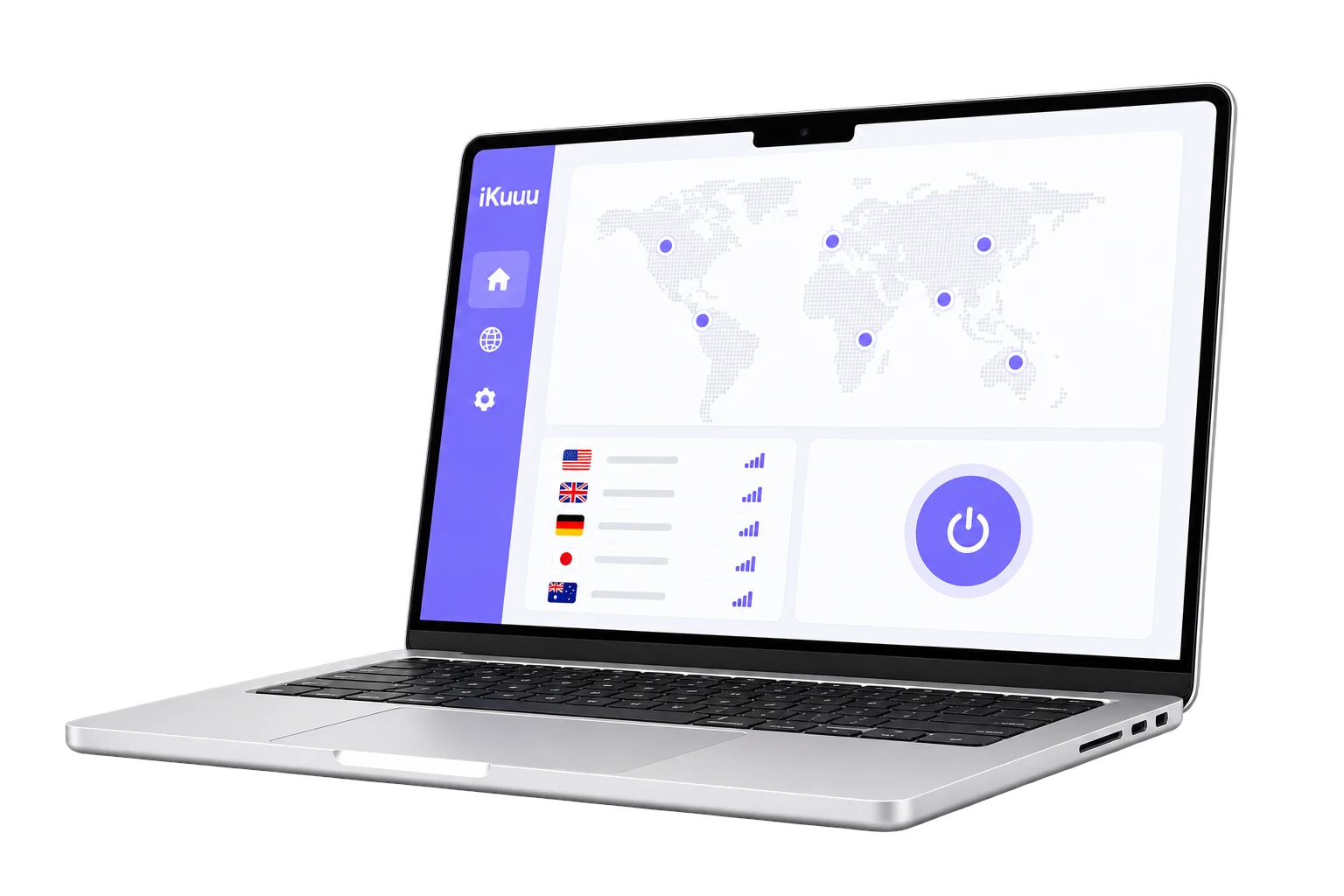
Connect with your everyday needs
Choose a use case to see what you need before getting started.
Use the free trial to check access to the articles and public information you normally read, then decide how the service fits your needs.
Choose what fits
Try the service on your network for free, then choose a plan based on your needs.
Free trial
50GB / month
Try the free Japan servers to check whether the service suits your device and everyday use. Data resets on the first of each month; updates may be delayed.
Register and tryVIP plans
300GB / 30 days
Standard VIP plans offer more regions and reset data every 30 days from purchase. You can also check the one-day trial plan.
Compare plans and billing periodsPlan information checked on October 10, 2026. Unused data does not roll over, and a new plan replaces the remaining benefits of the old one. Read the full terms before purchasing.
Before you begin
Your experience depends on your device, network and the websites you visit. Try your usual activities before choosing a longer-term plan.
This information is based on the official usage guide. Check the service website for its current scope and rules.
An easier next step
Choose your operating system and follow the installation and first-connection steps.
View quick start