
OpenVXS VPNFor iOS
iKuuu iOS
OpenVXS setup
Use the third-party OpenVXS app to connect to iKuuu. Install it from the App Store, then enter the website code to set up your account.
App Store availability depends on your Apple ID region.
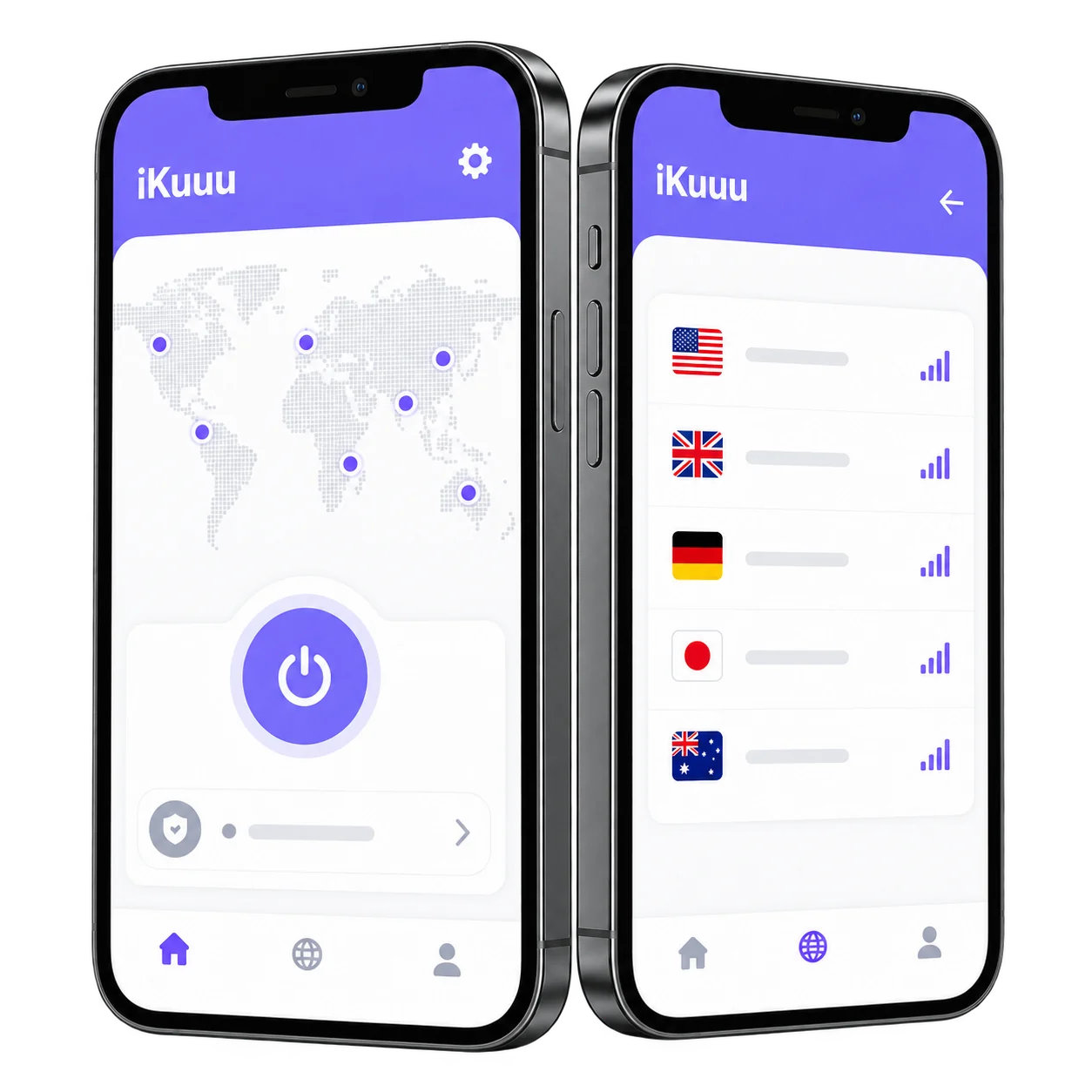
Get started on every device
A new screen. The same simple start.
Start connecting here
Ready in three steps.
Follow the guide to make your first connection.
- 01
Install OpenVXS
Download OpenVXS VPN using an App Store account for a region where the app is available.
- 02
Enter the website code
Open OpenVXS, enter the website code ikuuu, then sign in with your iKuuu account.
- 03
Choose a server and connect
Choose a server available to your account and follow the app's instructions to connect.
Before you install
Connect your account with a website code.
Follow the iOS guide to select iKuuu in OpenVXS and sign in. OpenVXS is a third-party app that requires a service account.
System and installation details
- Operating system
- iOS 15.0 / iPadOS 15.0 or later
- App
- OpenVXS VPN · third-party app
- App size
- 149.8 MB (check the store for updates)
- Download source
- App Store; availability varies by account region
- Current version
- v0.17.5
Download and version details come from the official guide and App Store. Check those sources for the latest information.
You might also want to know
Your questions,
answered before you connect.
Common questions about installing and using the iOS app.
Open the official guideWhy does iOS use OpenVXS?
The current iKuuu iOS guide recommends the third-party OpenVXS app. After installing, enter the website code ikuuu and sign in with your iKuuu account.
What if the App Store says the app is unavailable in my region?
Availability depends on the region of your App Store account. Check whether your account can download the app and consult the current official iOS guide.
Why is the minimum requirement iOS 15?
This page follows the App Store compatibility requirement of iOS 15.0 or later. If another guide differs, use the latest App Store information.
Do I need an account after downloading the app?
Yes. Sign in with an iKuuu service account to use its available servers. New users can register on the service website and follow the setup guide.
What should I check if I cannot connect after signing in?
Check your account status, remaining data and system clock, then try another available server. If you still cannot connect, consult the official guide and service announcements.
Your next step
Ready, set, connect.
Already have an account? Sign in after installing. New to iKuuu? Start with the free trial.