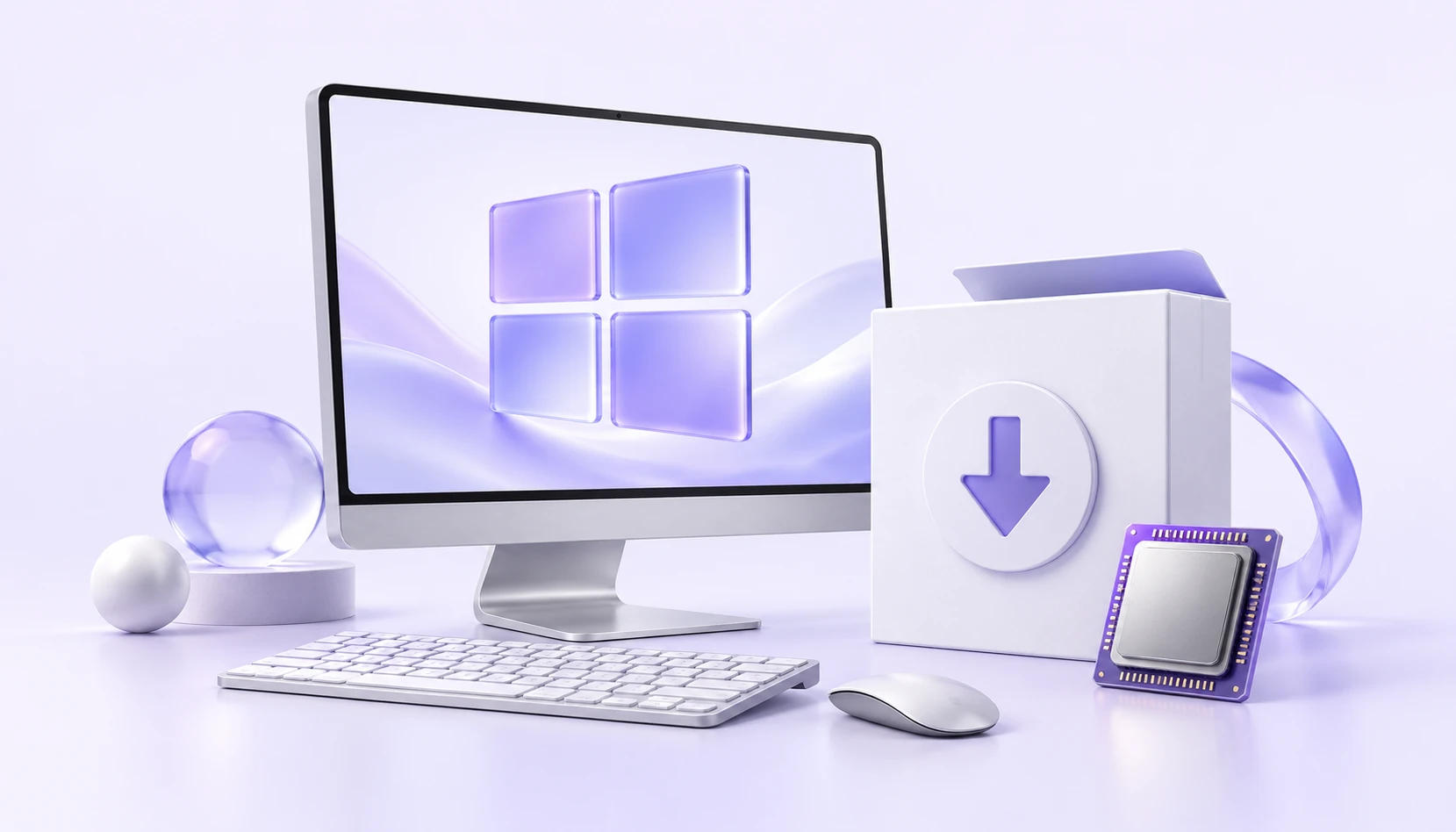
Windows installers can look similar, but the right choice depends on your OS version and processor architecture. Check both before downloading to avoid installing an incompatible version.
Check your Windows version
The verified guide provides a standard Windows edition and a separate Windows 7 edition. Use the Windows 7 edition on Windows 7; for other supported Windows versions, check the standard edition's requirements.
If you are unsure, check the OS version in your device's system information and compare it with the official guide. The computer's appearance or purchase date is not a reliable indicator.
Check your processor architecture
The verified Windows installer targets x64 / amd64. A native ARM installer has not been confirmed, so check the official guide for compatibility before installing on an ARM device.
- Operating system
- Windows 7 or later
- Package format
- EXE
- Verified architecture
- x64 / amd64 edition
- Windows 7
- Separate edition required
Download the matching installer
Get the matching installer from the download page or official guide and follow the installation prompts. Open iKuuu VPN, sign in with your service account and choose an available server.
- Use a download link listed in the current official guide.
- Save the exact message if installation or startup fails.
- Check the system time and remaining data before connecting.
If the app will not open, check compatibility
First check that you chose the right edition and architecture. If installation still fails, consult the latest official Windows guide instead of trying installers from unknown sources.
Read the official Windows guideSources and update notes
This guide summarizes the linked source material; it is not a service announcement. Information was checked on October 11, 2026. Refer to the sources below for current installation requirements and service details.
Checks before you continue
- On Windows 10/11, open Settings > System > About and record the Windows version and System type.
- Match that system type to the installer architecture. A filename containing 64 does not by itself confirm compatibility with an ARM device.
- Record the complete filename and download date. Extract a ZIP archive before following its included installation instructions.
When to stop
Stop if the signature, source or architecture cannot be verified. Do not disable security checks to force an installer to run. A Windows 7 edition does not mean the operating system still receives security support.