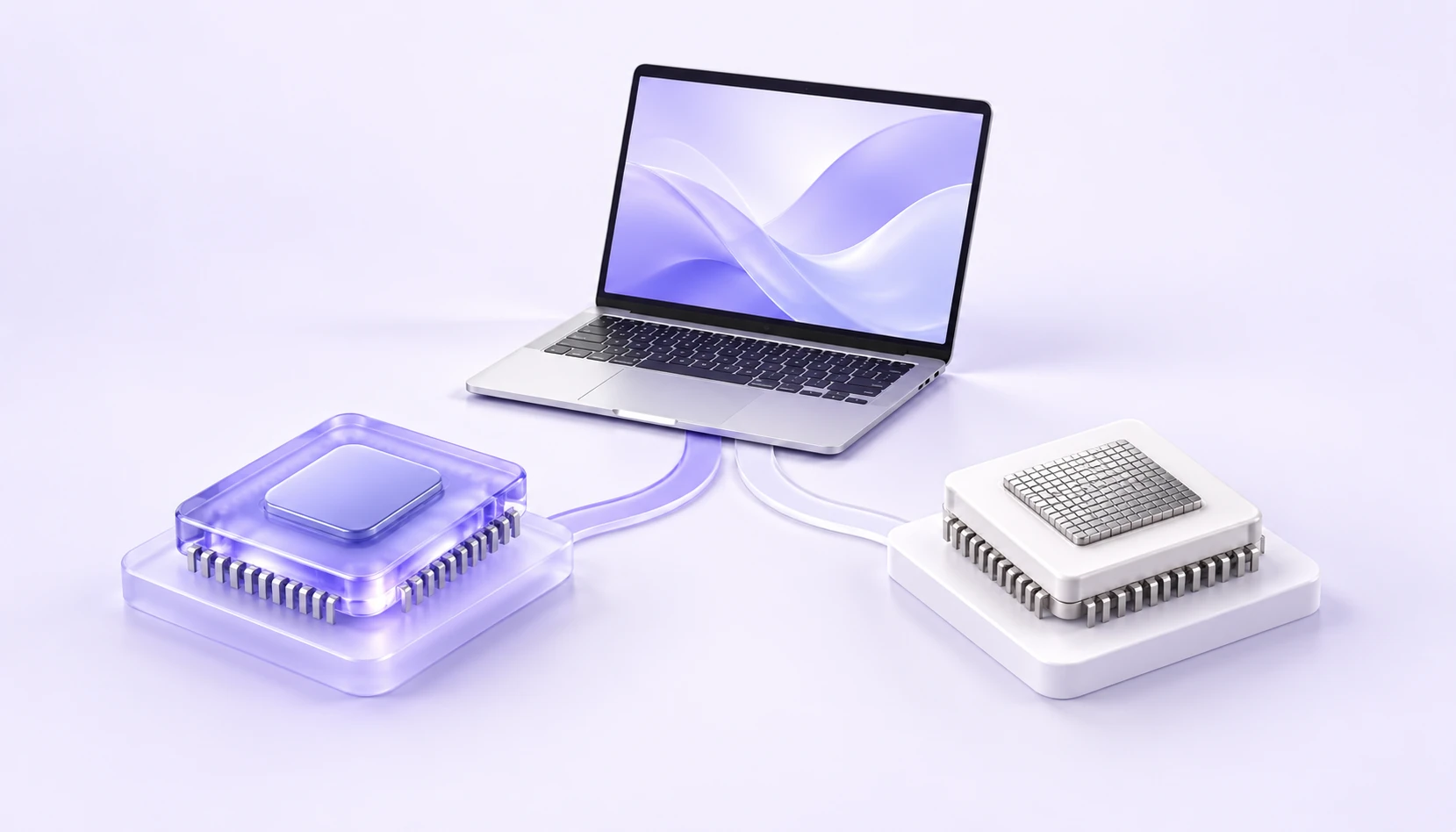
The Mac installer must match your chip. The official guide provides Apple silicon and Intel versions. Check your Mac's information before choosing a download.
Find your chip in About This Mac
Open the Apple menu in the top-left corner of the screen and choose About This Mac. Look for the Chip or Processor entry and note its name.
If it lists an Apple chip, choose the Apple silicon version. If it lists an Intel processor, choose the Intel version. Product names such as MacBook or iMac are not enough to determine the chip.
Match your chip to the installer
Architecture names identify the devices an installer supports. They do not mean a faster or a standard edition. Choose the version that matches your Mac.
- Apple silicon
- arm64 / Apple silicon edition
- Intel processor
- x64 / amd64 edition
- System requirements
- macOS 12 or later
- Package format
- DMG
Download and follow the installation guide
The main Mac download button provides the Apple silicon version. Intel Mac users can get the matching version through the official guide linked in the installation instructions.
After installation, open iKuuu VPN and sign in with your service account. Check your remaining data and available servers, then follow the app's prompts to connect.
View macOS download instructionsIf the app will not open, check the version
Check that the installer matches your chip and your Mac runs macOS 12 or later. Save any system or app error message and follow the current official guide.
Read the official macOS guideSources and update notes
This guide summarizes the linked source material; it is not a service announcement. Information was checked on October 11, 2026. Refer to the sources below for current installation requirements and service details.
Checks before you continue
- Open About This Mac from the Apple menu. Distinguish an Apple Chip entry from an Intel Processor entry.
- Record the macOS version and check both architecture and minimum OS requirements. A matching chip alone does not prove compatibility.
- Keep the installer and exact error message. Check the developer’s compatibility information before trying another version.
When to stop
Stop for a damaged-file warning, an unverifiable developer or unexplained permissions. Verify the source and contact support; do not disable Gatekeeper to bypass the issue.