The official Android guide provides arm64 and universal installers. Check the OS requirements before choosing a package, rather than repeatedly trying unfamiliar versions.
Check your Android version
The verified minimum requirement is Android 9.0. Check that your phone or tablet meets this requirement before choosing an installer architecture.
The universal installer still has a minimum OS requirement. If your Android version is too old, consult the official compatibility notes.
For most devices, start with arm64
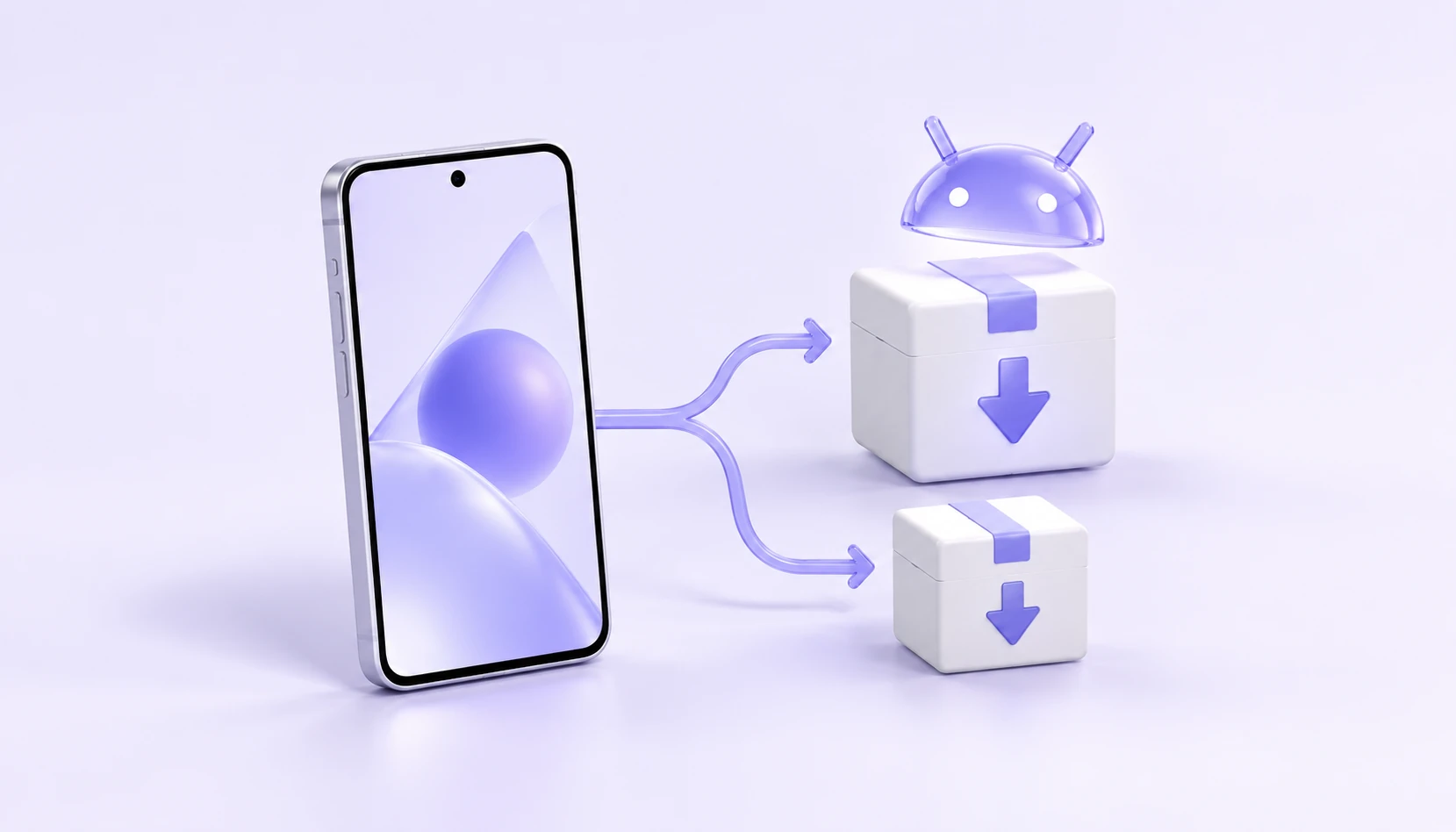
The default official download is arm64, which suits most Android devices. If your device reports an incompatibility, check the universal installer in the official guide.
- Default download
- arm64
- Other versions
- Universal edition
- Package format
- APK
- System requirements
- Android 9.0 or later
Open the download link on your phone
On a computer, open the Android download page and select QR download. Scan the code with your phone and open the installer link in its browser.
If you are already using an Android device, select the download button directly. After downloading, follow your device's prompts and the official installation guide.
Open Android downloadsAfter installation, check your account and connect
Open iKuuu VPN and sign in with your service account. Check your account status, remaining data and available servers before connecting.
If installation fails, save the error message and check the OS version and installer architecture. If the app installs but cannot connect, follow the connection troubleshooting guide.
Read the official Android guideSources and update notes
This guide summarizes the linked source material; it is not a service announcement. Information was checked on October 11, 2026. Refer to the sources below for current installation requirements and service details.
Checks before you continue
- Check Settings > About phone or tablet > Android version. Menu names vary by manufacturer.
- Confirm the device architecture using model and developer information before choosing arm64 or a universal build.
- Record the full APK filename, whether another version is installed and the exact message. An installation failure occurs before a server connection and needs package-level troubleshooting first.
When to stop
Do not uninstall an existing app with important settings just to resolve a signature conflict. Confirm backup and sign-in options first. Keep security protections enabled and investigate warnings.