IllustrationIs iKuuu VPN Right for You? Six Checks for YouTube Reviews
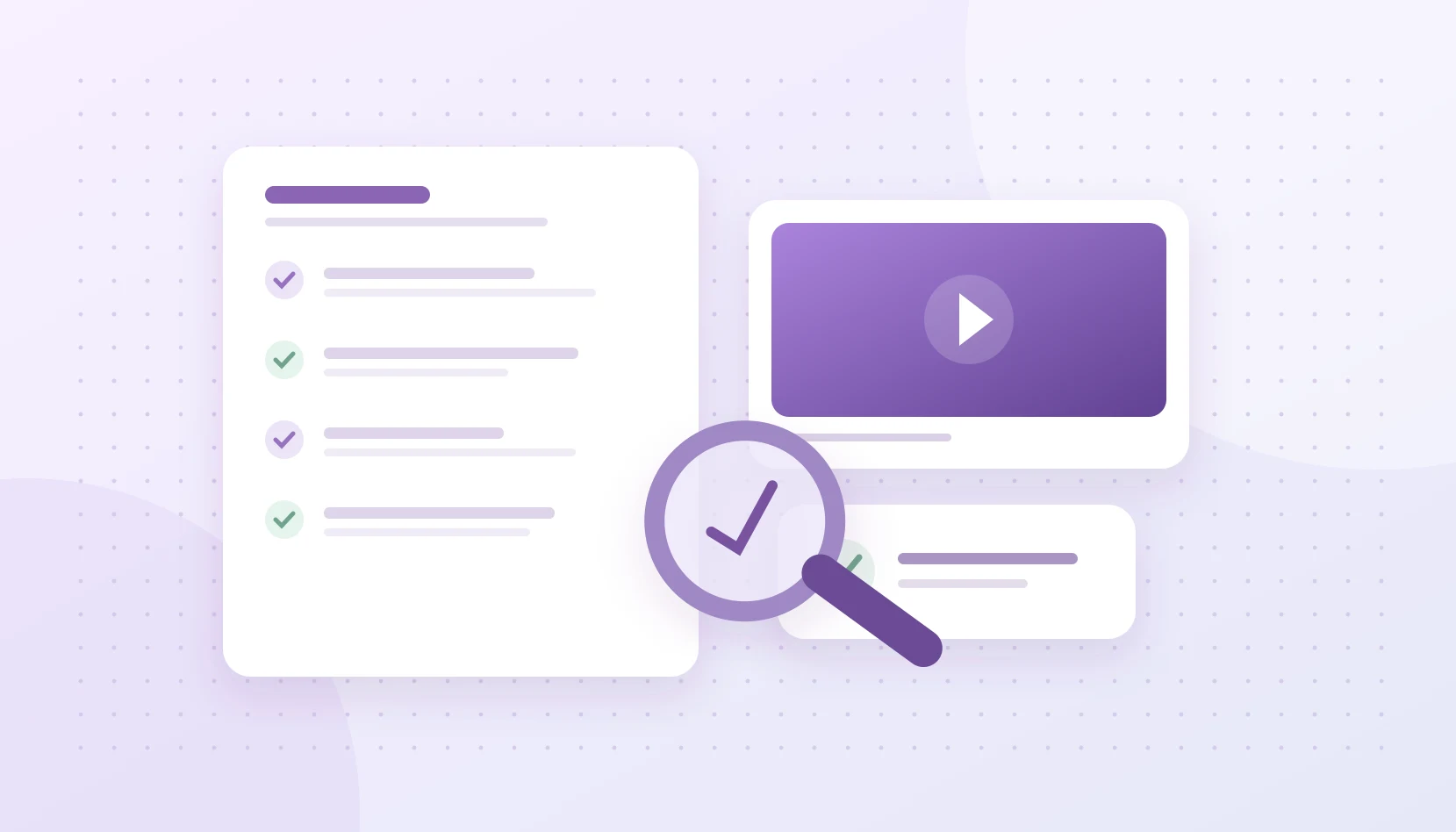
Assess iKuuu reviews using dates, account limits and repeatable tests. Separate a creator’s experience from historical rules and current service availability.
Read articleiKuuu BLOG
From your first install to everyday use.
Clear guidance on devices, setup and common questions.Independent guides and source analysis
IllustrationAssess iKuuu reviews using dates, account limits and repeatable tests. Separate a creator’s experience from historical rules and current service availability.
Read articleUseful information, clearly organized
IllustrationAssess iKuuu reviews using dates, account limits and repeatable tests. Separate a creator’s experience from historical rules and current service availability.
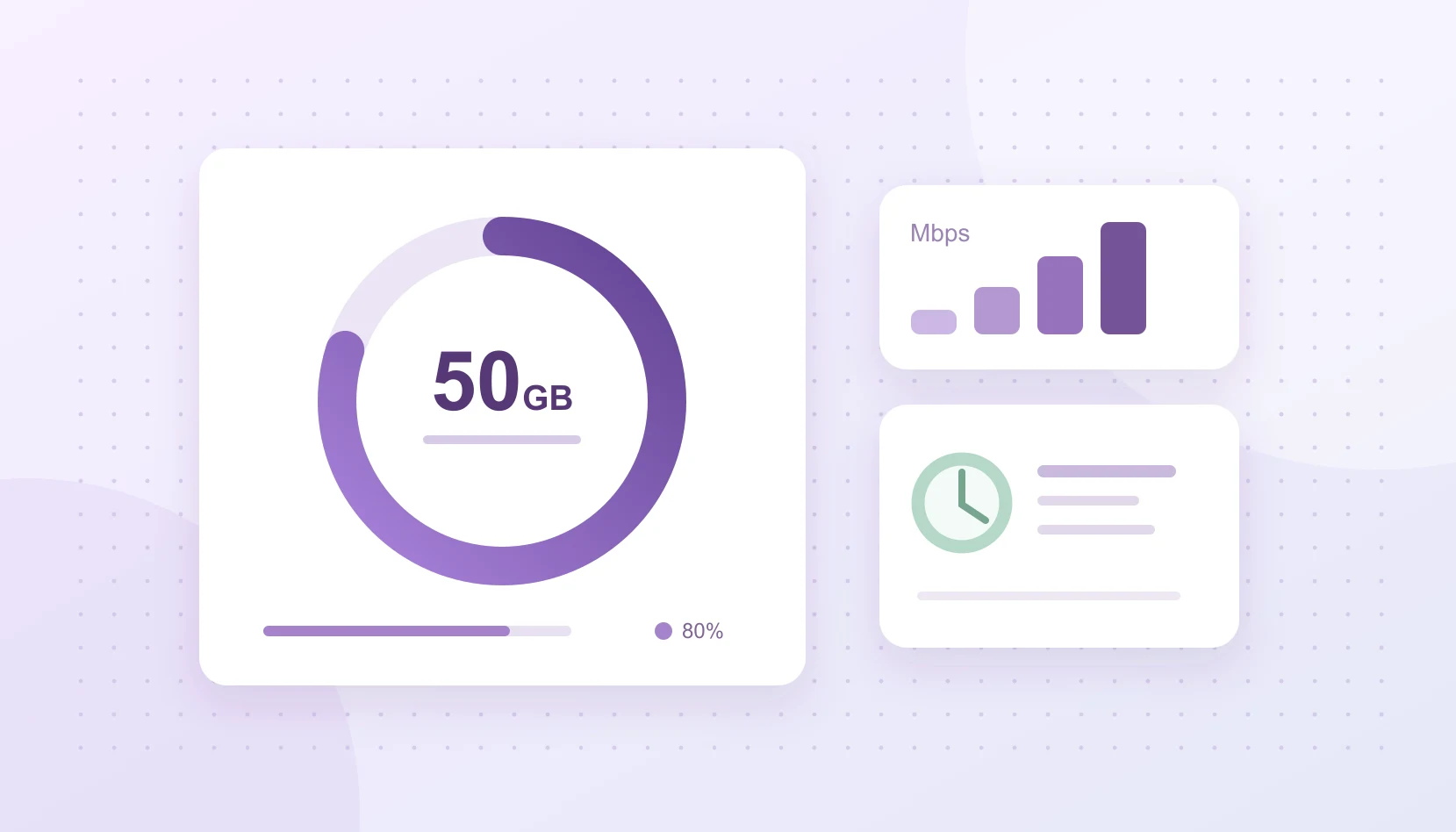
IllustrationPlan your iKuuu data use with video and download examples. Understand reset dates, server multipliers and check-in rewards before choosing a plan.
IllustrationTroubleshoot YouTube with fixed video quality, playback statistics and one-variable tests. Separate network buffering from dropped frames and device issues.
IllustrationLearn how your account, app and servers work together, then follow three steps to connect your device.
IllustrationChoose between the standard and Windows 7 editions by checking your OS version and processor architecture.
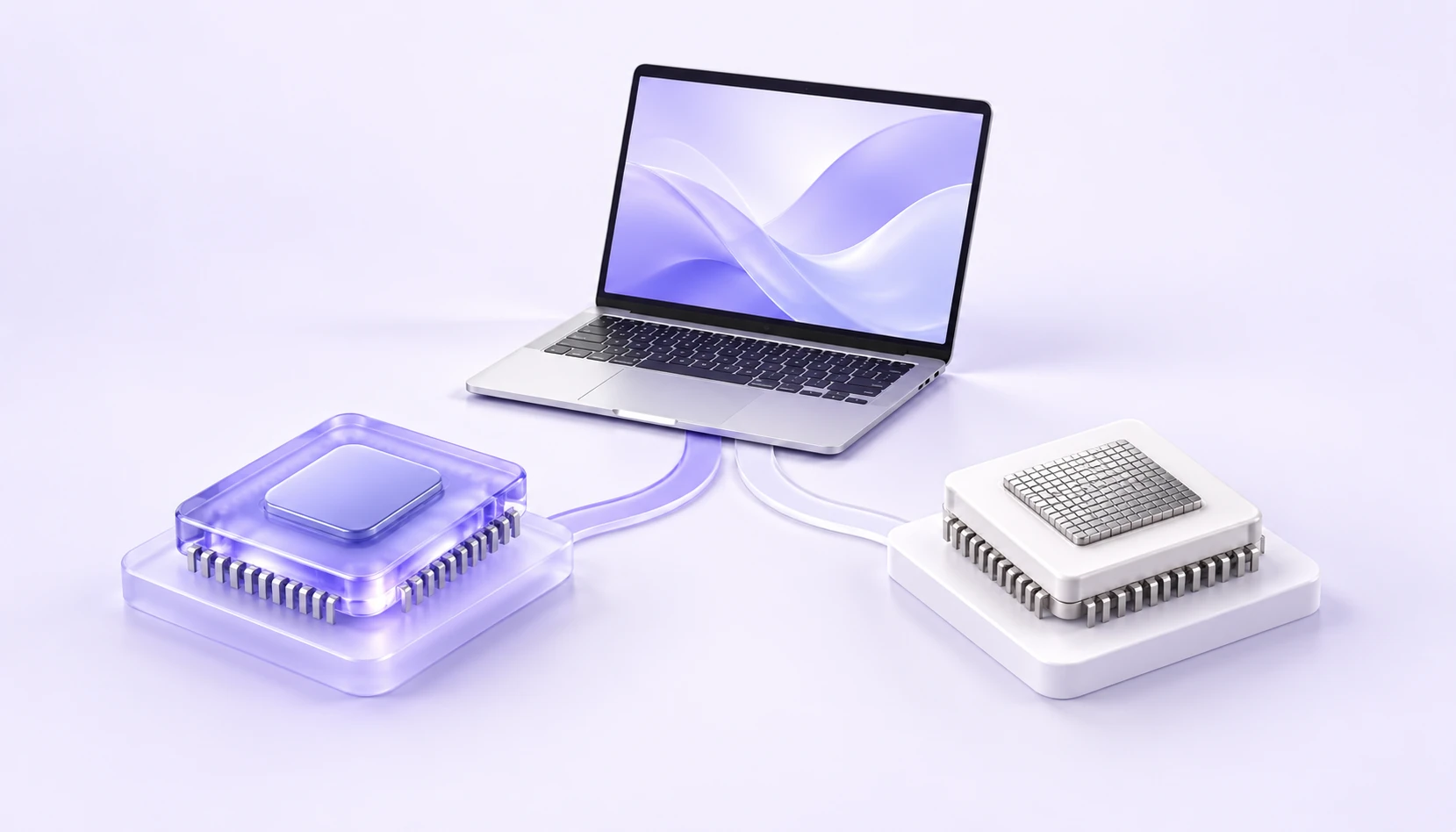
Check About This Mac to identify your chip, then choose the matching arm64 or x64 installer.
IllustrationInstall OpenVXS from the App Store, enter the website code ikuuu and sign in to your service account.
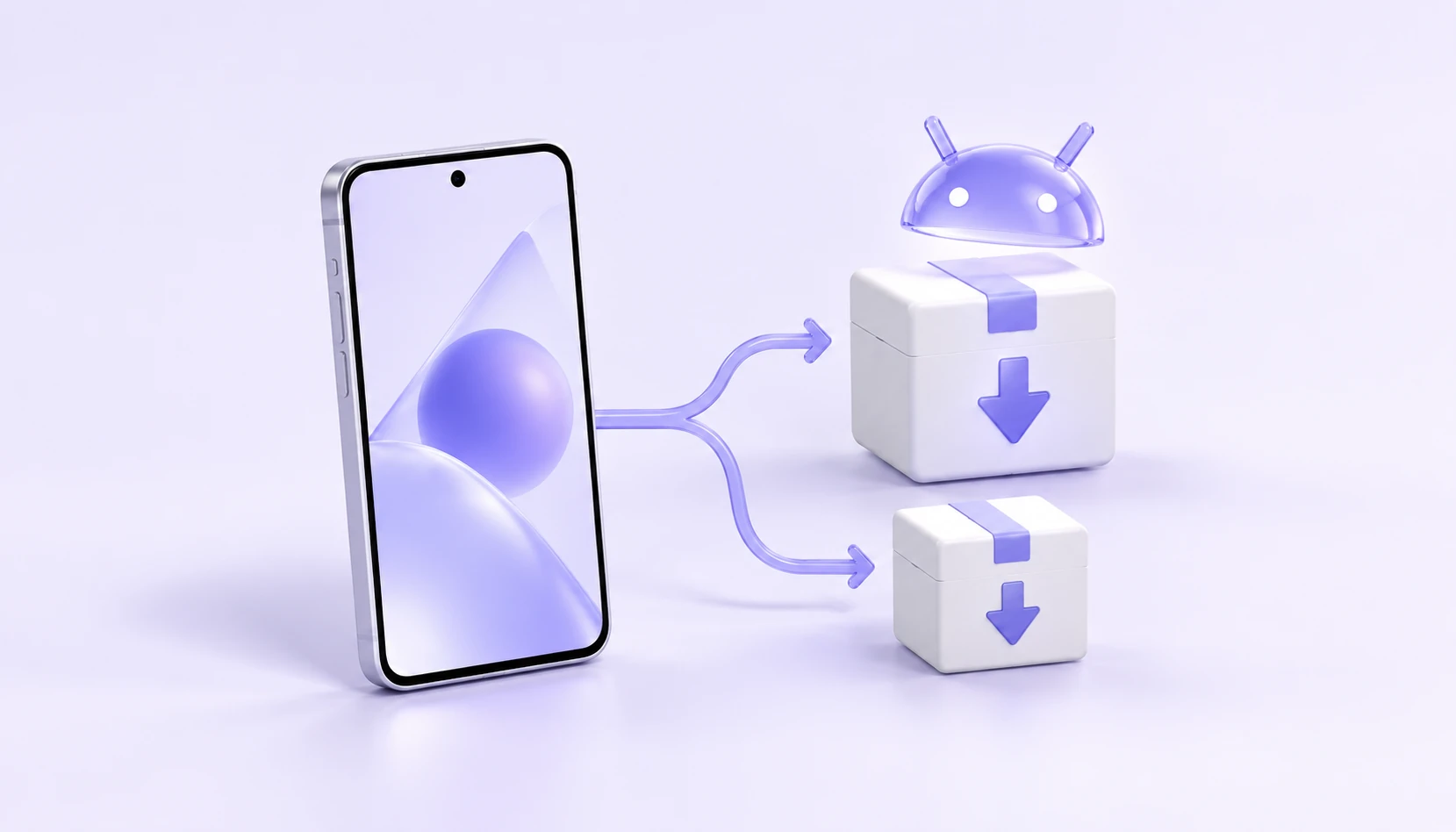
IllustrationStart with arm64 on most devices. Check system requirements, use QR download and learn what to do if installation is incompatible.
IllustrationUnderstand x64, ARM64, AppImage and deb, then choose the instructions that match your device and distribution.
IllustrationCheck your account, remaining data, system time and available servers in order before reinstalling the app.
Try a device name or a question, or clear the filters.
Keep exploring from here
Choose your device for downloads and setup instructions.